
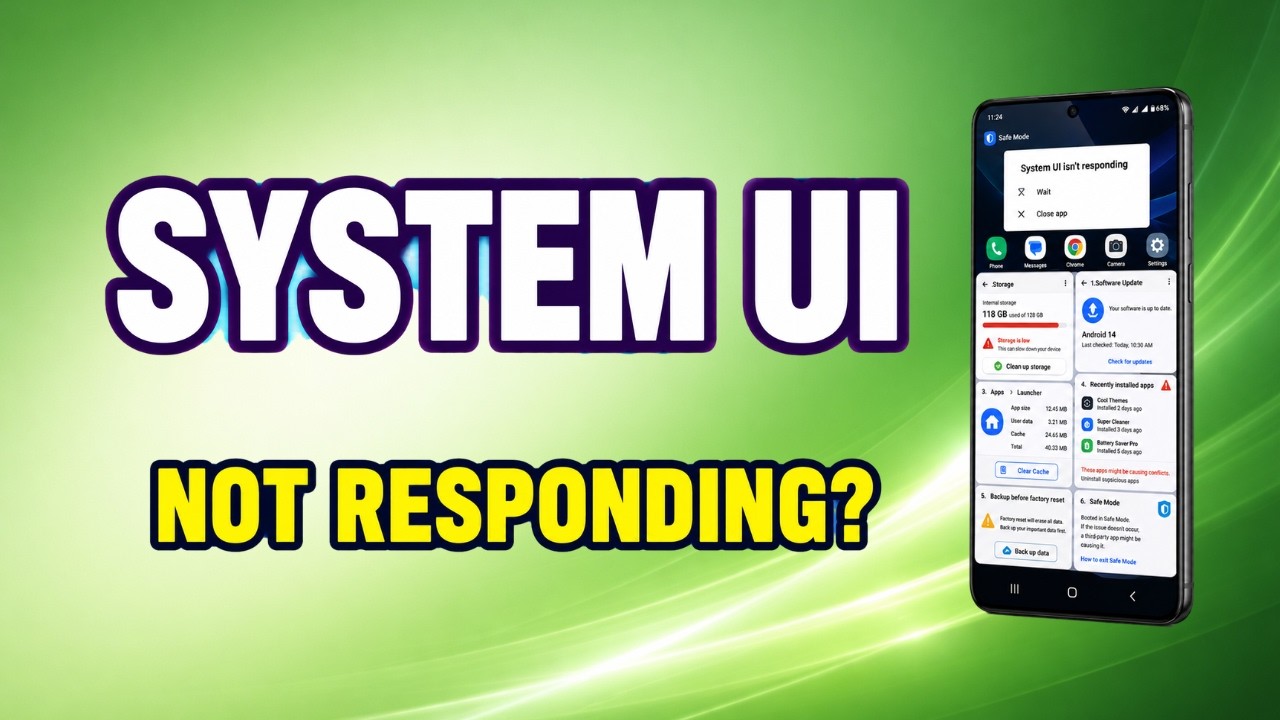
The “System UI Isn’t Responding” error means the core visual interface of your Android phone has completely crashed, leaving you with a frozen screen or a black display. In my ten years of troubleshooting mobile devices, I see this happen constantly when a heavy widget or background app runs out of memory. Follow the steps …
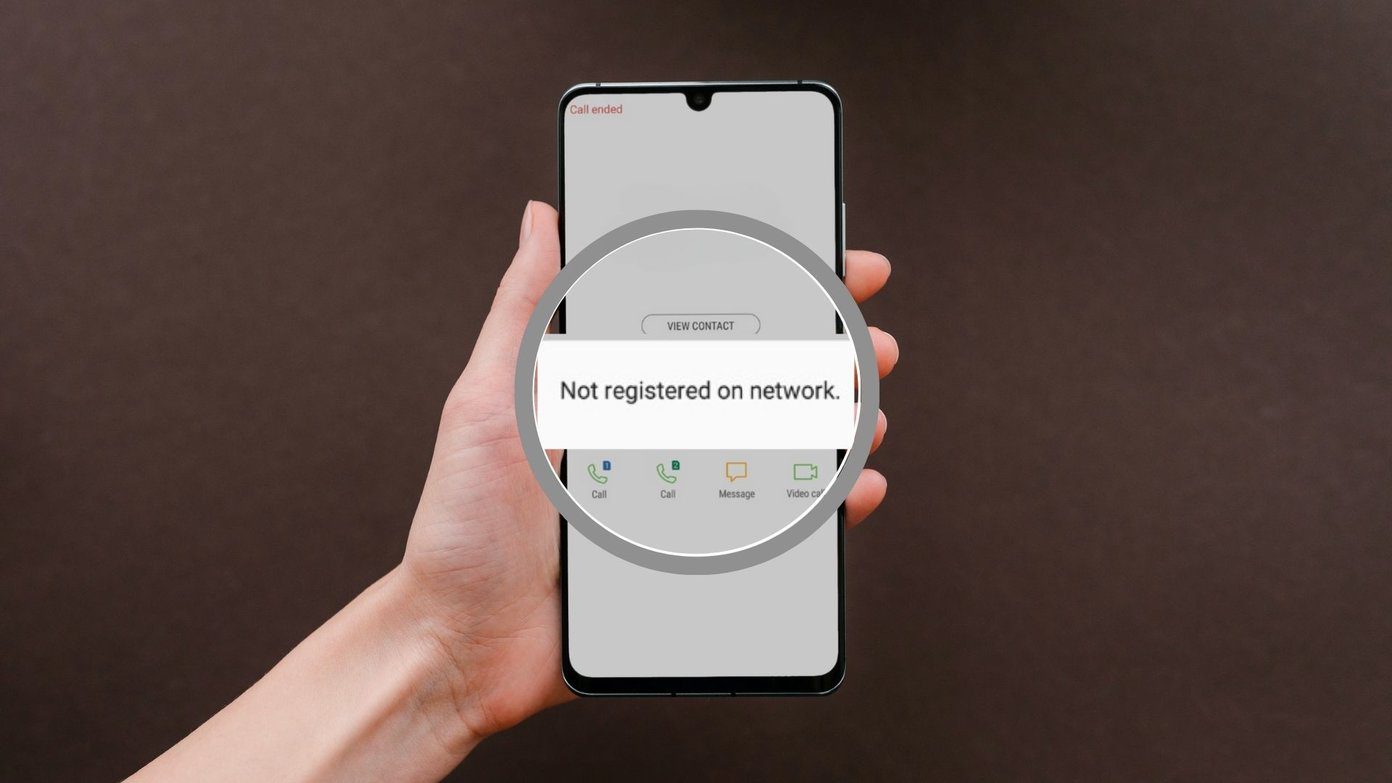
The “Not Registered on Network” error means your Samsung Galaxy has completely lost communication with your carrier’s cell towers, leaving you unable to make calls or send texts. In my ten years of troubleshooting mobile devices, I see this happen weekly when the internal radio gets confused or the SIM card shifts out of alignment. …
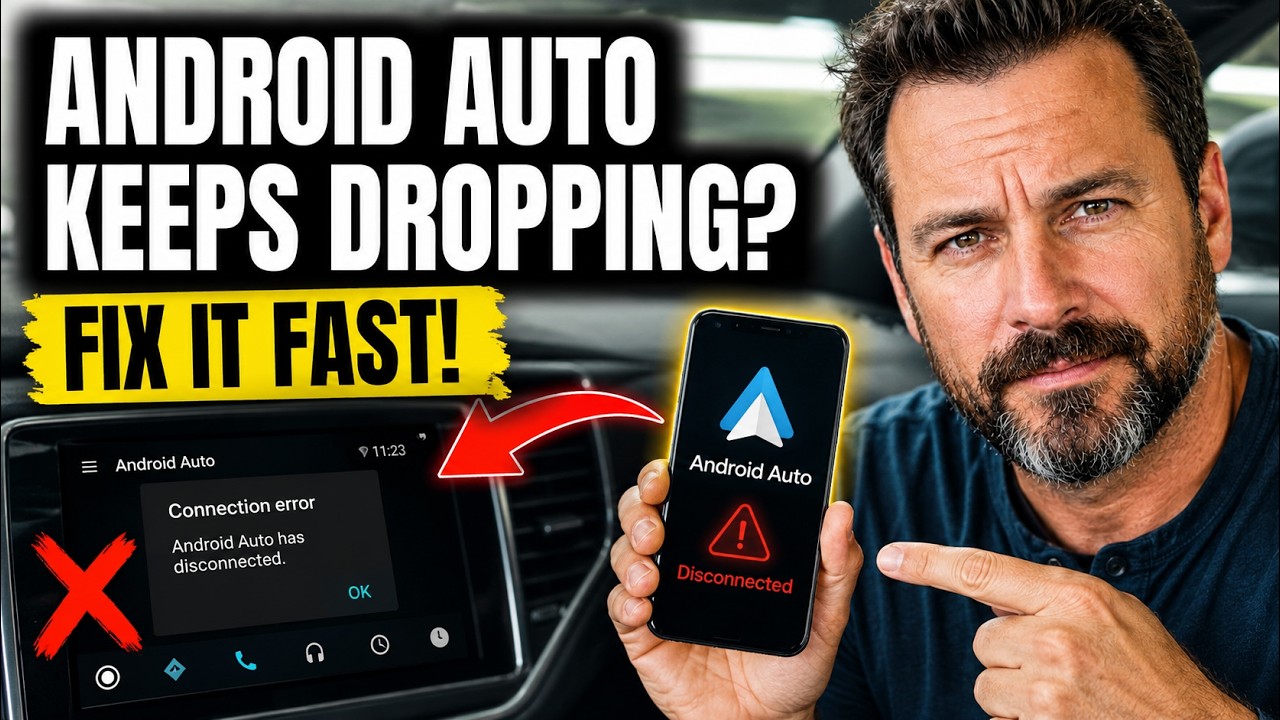
Having Android Auto drop your map right as you approach a complicated highway exit is a massive headache. In my ten years dealing with mobile-to-vehicle bridging, I see these random disconnects caused almost entirely by aggressive phone power management or micro-frays in the data cable, not a broken car stereo. Follow the steps below, and …
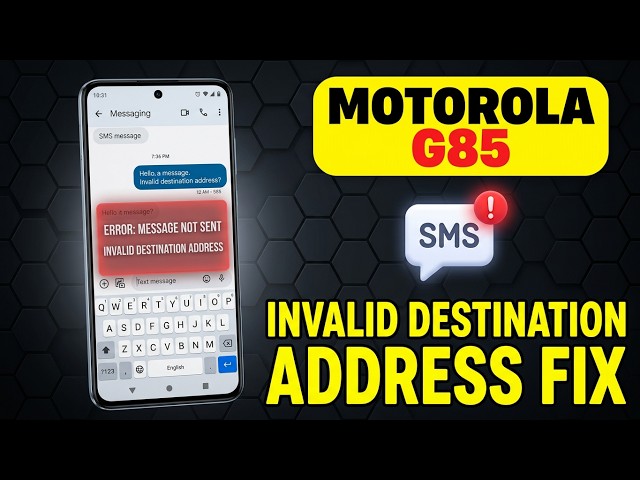
The “Invalid Destination Address” error means your carrier’s network rejected your text message because the phone number formatting is broken or the network configuration is scrambled. In my ten years of fixing mobile networks, I see this constantly when an area code is dropped by a carrier update or an old text thread corrupts. Follow …
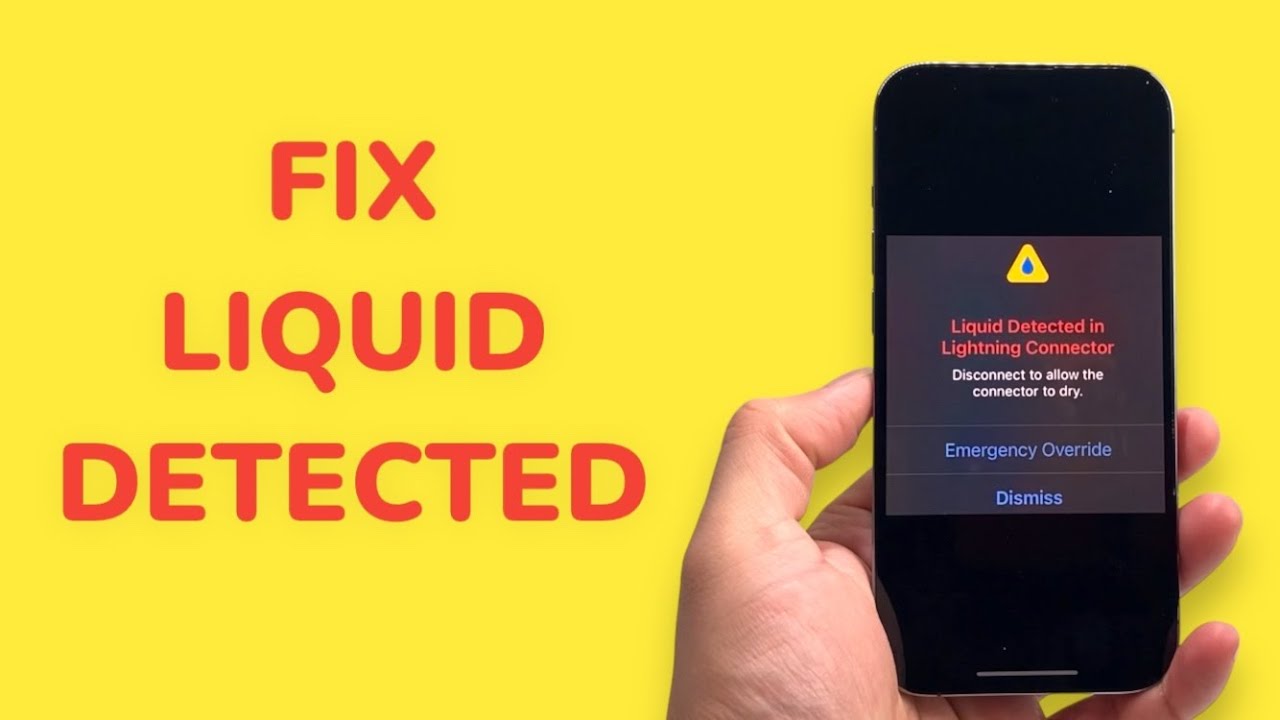
The “Liquid Detected in Lightning Connector” alert is built to save your iPhone’s logic board from a short circuit, but seeing it when your device is bone-dry is incredibly frustrating. In my ten years of diagnosing Apple hardware, I see this false positive daily—it is almost always triggered by compacted pocket lint absorbing ambient humidity …
The “DNS Server Not Responding” error cuts off your internet access even when your Wi-Fi says it is fully connected, effectively turning your router into a brick. In my ten years of setting up home networks, I see this daily—it almost always means your computer is trying to translate a website name using a broken …
Seeing the “Connected, No Internet” error exclusively on your 5GHz Wi-Fi band is incredibly frustrating, especially when the 2.4GHz band right next to it works perfectly. In my ten years dealing with home networking, I see this happen constantly when a router’s internal channel gets congested or the PC’s network adapter drops the newer protocol. …

Smart home devices suddenly dropping off your 2.4GHz network is incredibly frustrating when you just want to turn off the lights. In my ten years of setting up smart homes, I see this daily—routers get overwhelmed trying to balance old smart plugs with modern laptops, causing the cheapest chips to drop off the network entirely. …
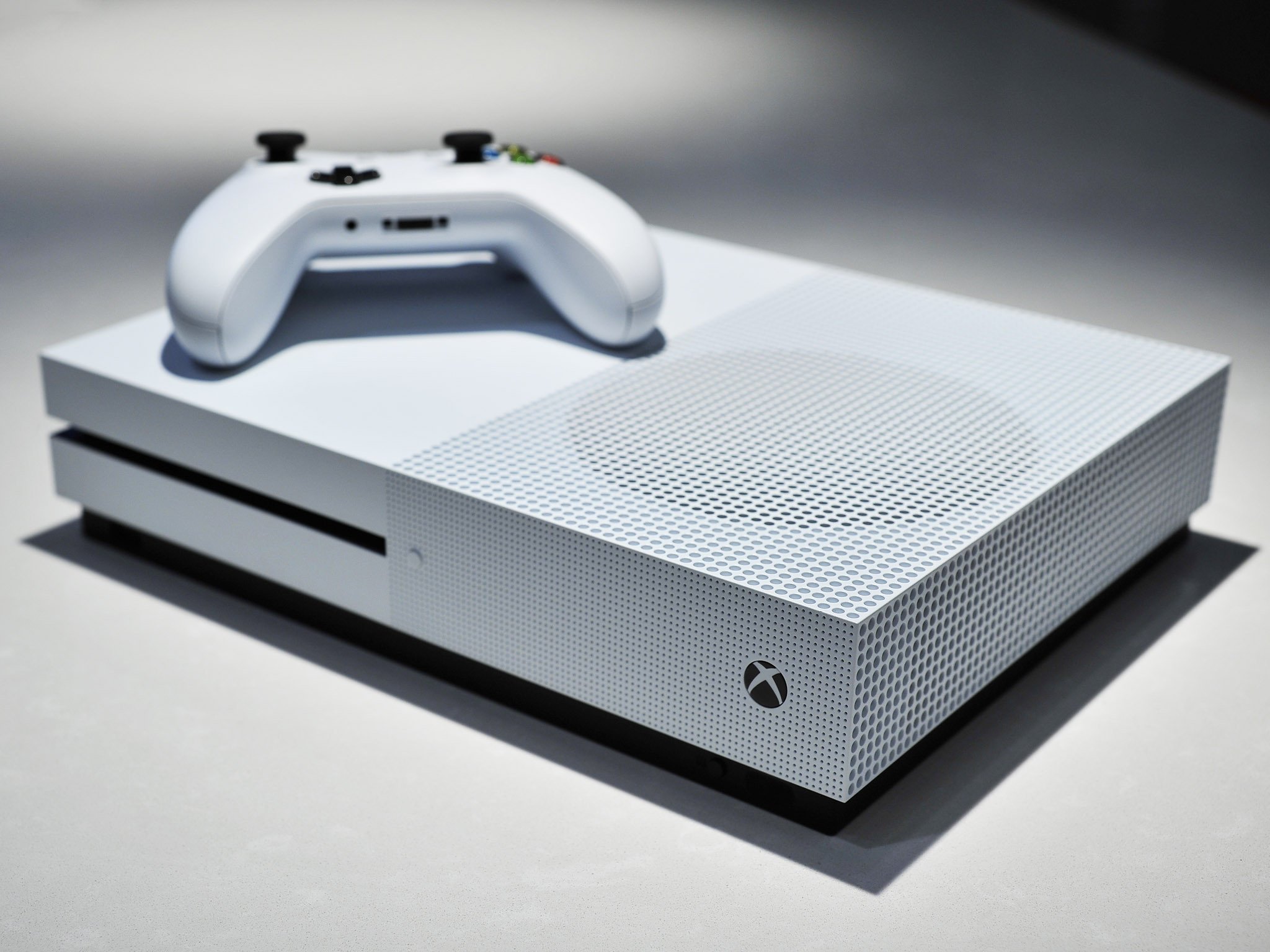
Seeing a “Double NAT” error on your Xbox or PlayStation means your console’s network traffic is being translated twice, which completely ruins peer-to-peer matchmaking, blocks voice chat, and causes random disconnects in multiplayer games. In my decade of setting up home gaming networks, this almost always happens when you have two routers fighting for control …
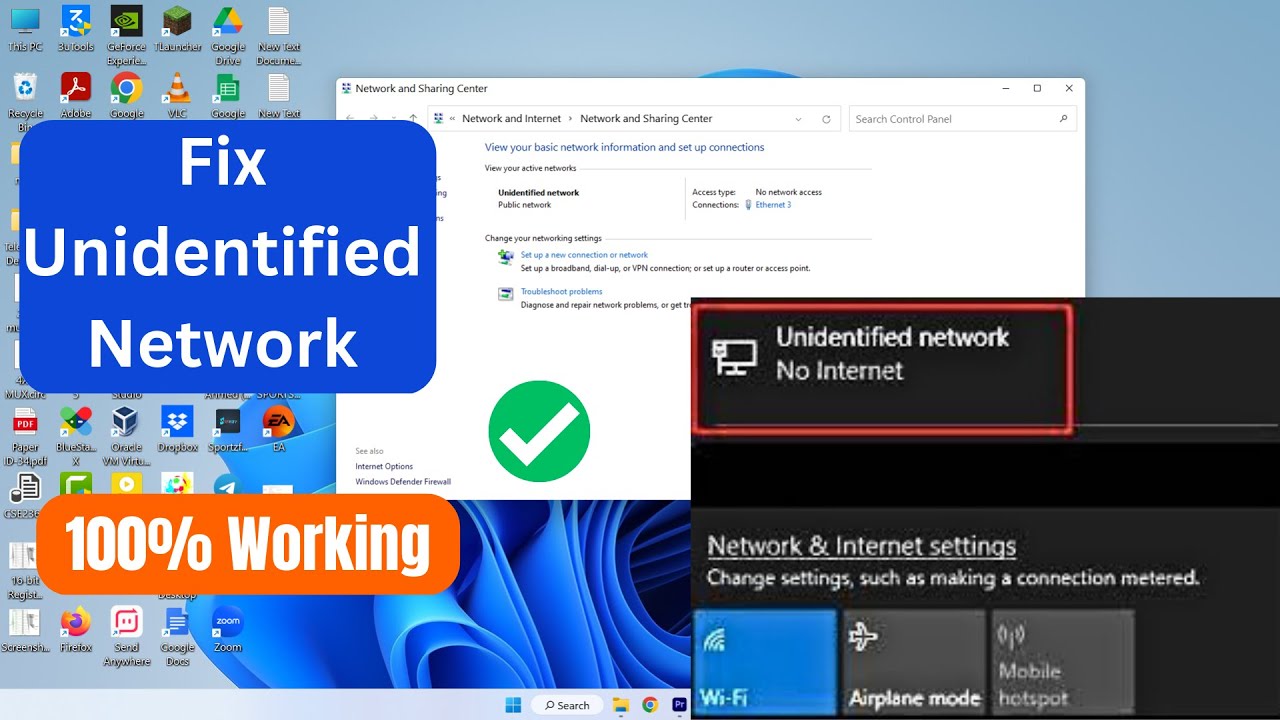
Seeing an “Unidentified Network” status with a yellow warning triangle over your Ethernet icon means your PC is physically plugged in, but your router refuses to hand it a valid IP address. In my ten years on the IT helpdesk, I see this daily—it completely kills your workflow, but it is almost always a localized …