
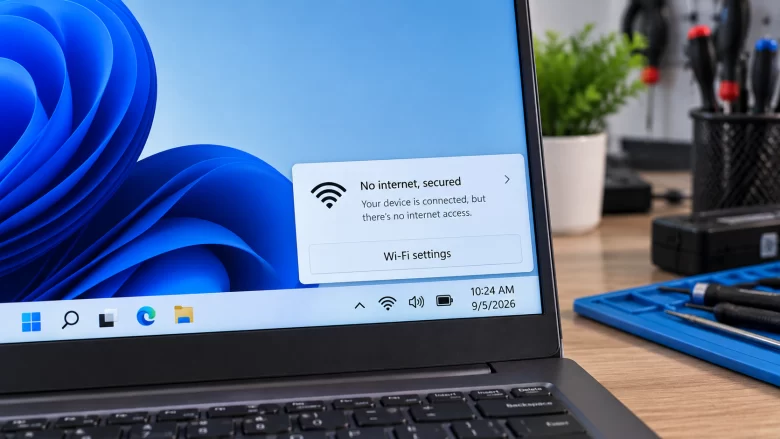
When your taskbar displays a globe icon and the Wi-Fi menu reads No Internet, Secured, two completely separate things are happening at once: “Secured” means the local wireless handshake succeeded. Your PC’s Wi-Fi adapter negotiated WPA2 or WPA3 encryption with your router’s radio. The physical radio link between your laptop or desktop and the router …
The “DNS Server Not Responding” error cuts off your internet access even when your Wi-Fi says it is fully connected, effectively turning your router into a brick. In my ten years of setting up home networks, I see this daily—it almost always means your computer is trying to translate a website name using a broken …
Seeing the “Connected, No Internet” error exclusively on your 5GHz Wi-Fi band is incredibly frustrating, especially when the 2.4GHz band right next to it works perfectly. In my ten years dealing with home networking, I see this happen constantly when a router’s internal channel gets congested or the PC’s network adapter drops the newer protocol. …

Smart home devices suddenly dropping off your 2.4GHz network is incredibly frustrating when you just want to turn off the lights. In my ten years of setting up smart homes, I see this daily—routers get overwhelmed trying to balance old smart plugs with modern laptops, causing the cheapest chips to drop off the network entirely. …
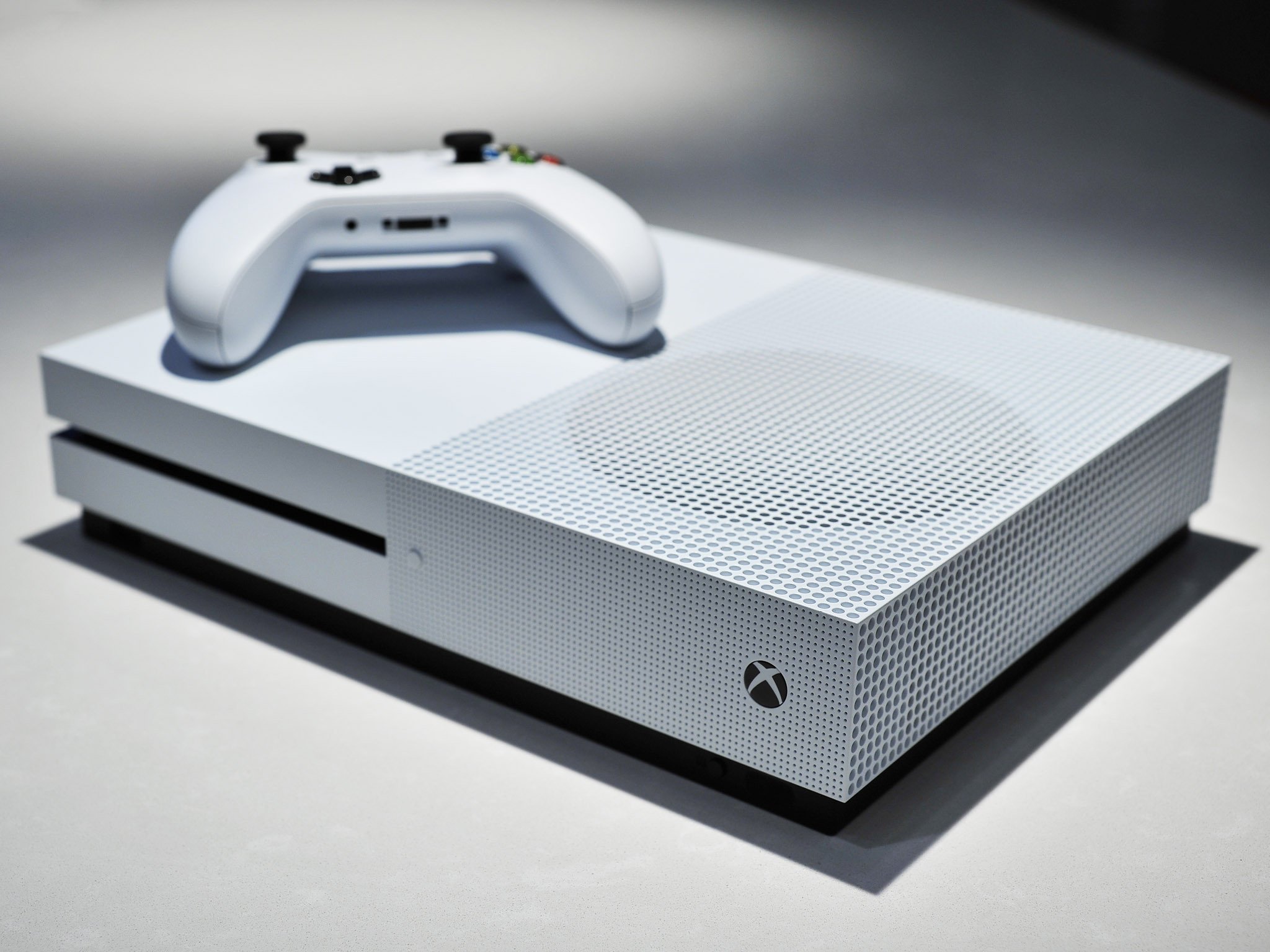
Seeing a “Double NAT” error on your Xbox or PlayStation means your console’s network traffic is being translated twice, which completely ruins peer-to-peer matchmaking, blocks voice chat, and causes random disconnects in multiplayer games. In my decade of setting up home gaming networks, this almost always happens when you have two routers fighting for control …
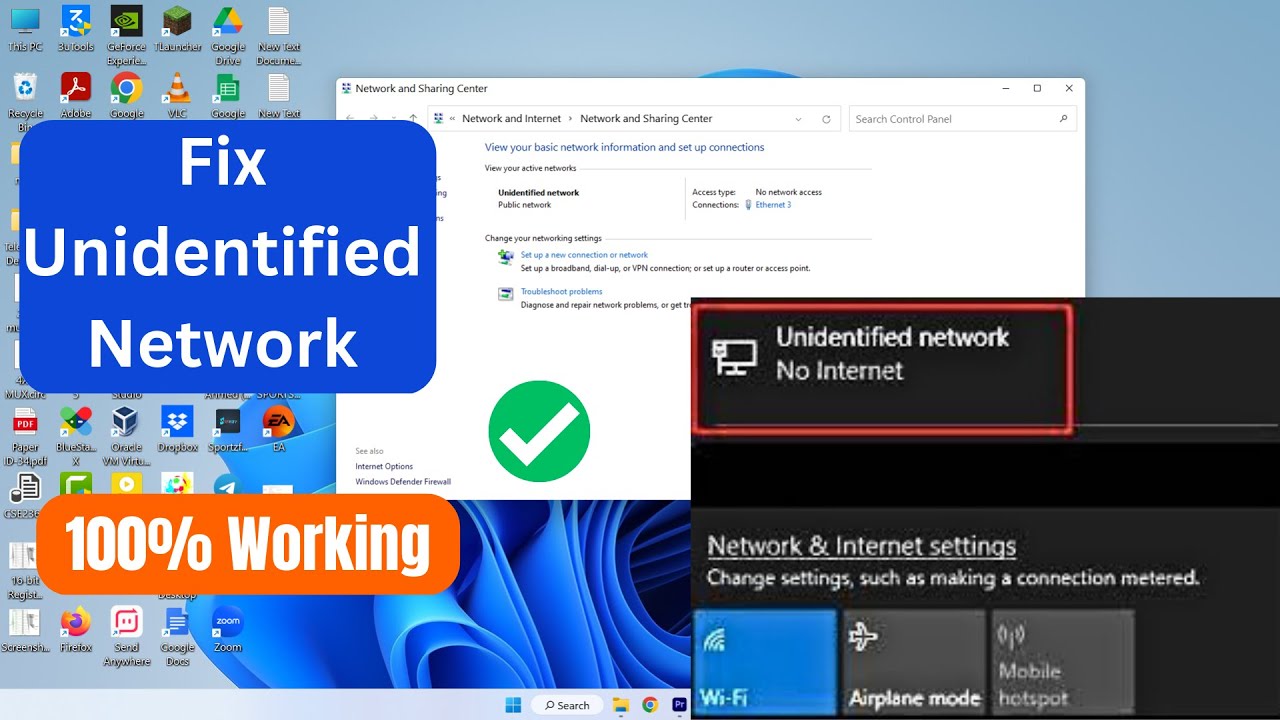
Seeing an “Unidentified Network” status with a yellow warning triangle over your Ethernet icon means your PC is physically plugged in, but your router refuses to hand it a valid IP address. In my ten years on the IT helpdesk, I see this daily—it completely kills your workflow, but it is almost always a localized …