
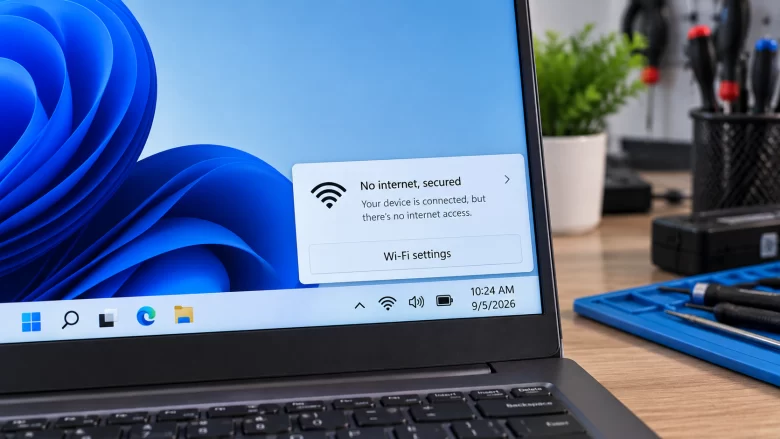
When your taskbar displays a globe icon and the Wi-Fi menu reads No Internet, Secured, two completely separate things are happening at once: “Secured” means the local wireless handshake succeeded. Your PC’s Wi-Fi adapter negotiated WPA2 or WPA3 encryption with your router’s radio. The physical radio link between your laptop or desktop and the router …
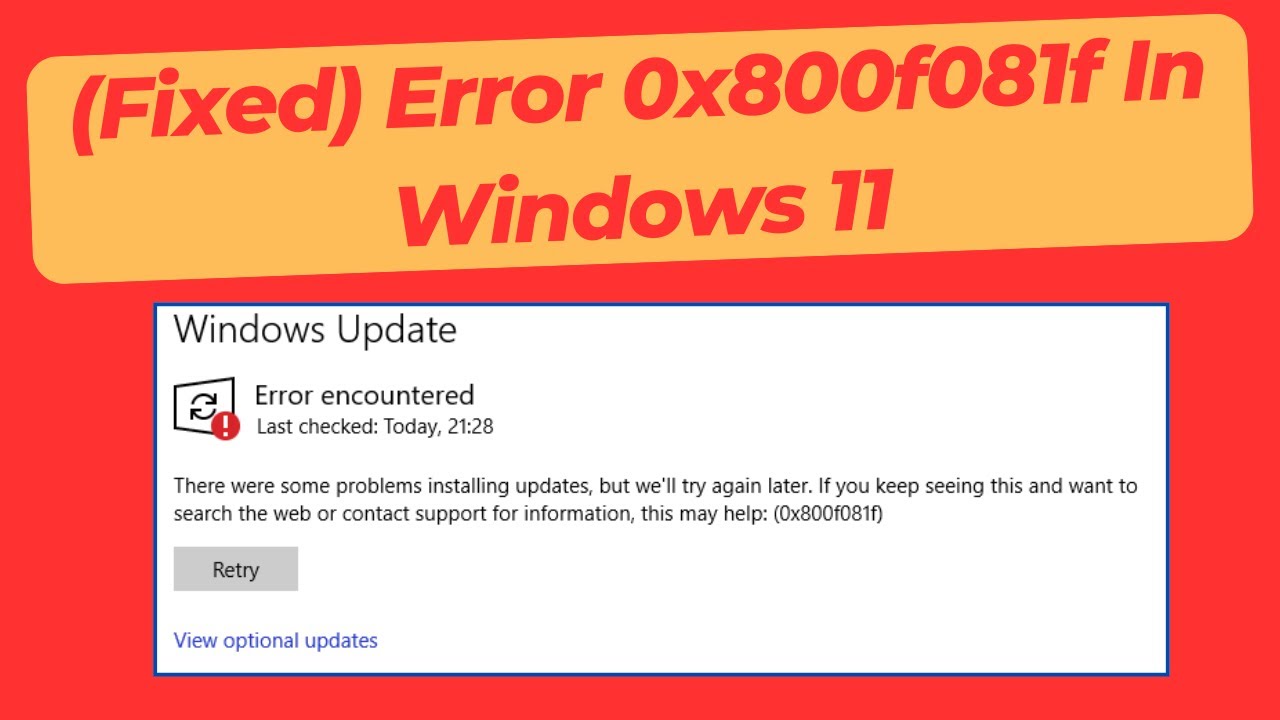
Windows 11 update error 0x800f081f usually pops up when the system cannot find the source files needed to install a specific package, stopping your update dead in its tracks. In my ten years of hands-on IT support, I see this specific error code weekly—it looks intimidating, but it is entirely fixable without wiping your hard …
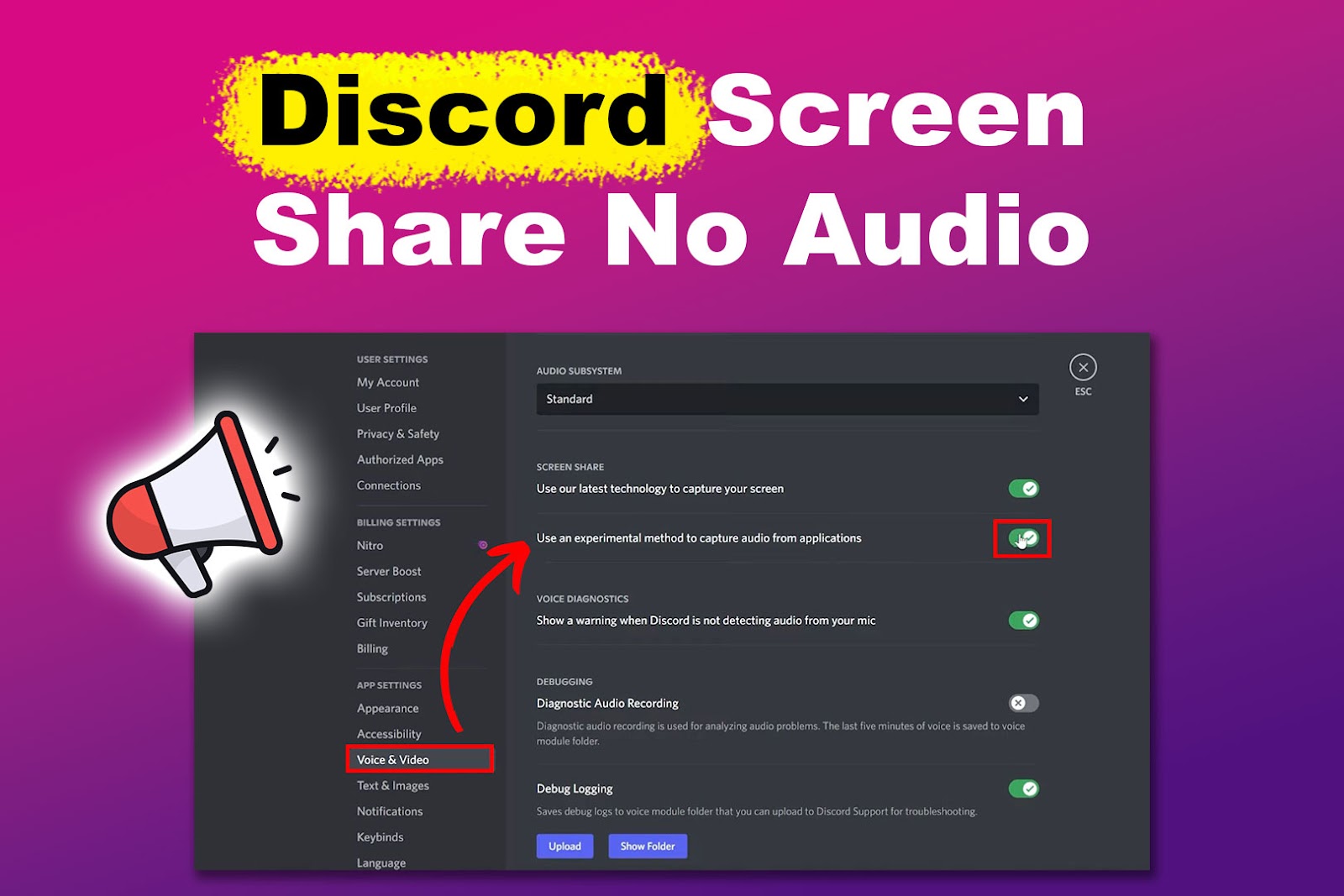
How to Fix Discord Screen Share Audio Not Working for Viewers? You are streaming a game or a movie to your friends on Discord, but they are sitting in dead silence. In my ten years resolving application conflicts on the IT helpdesk, I see this happen constantly. The issue is rarely a broken microphone or …
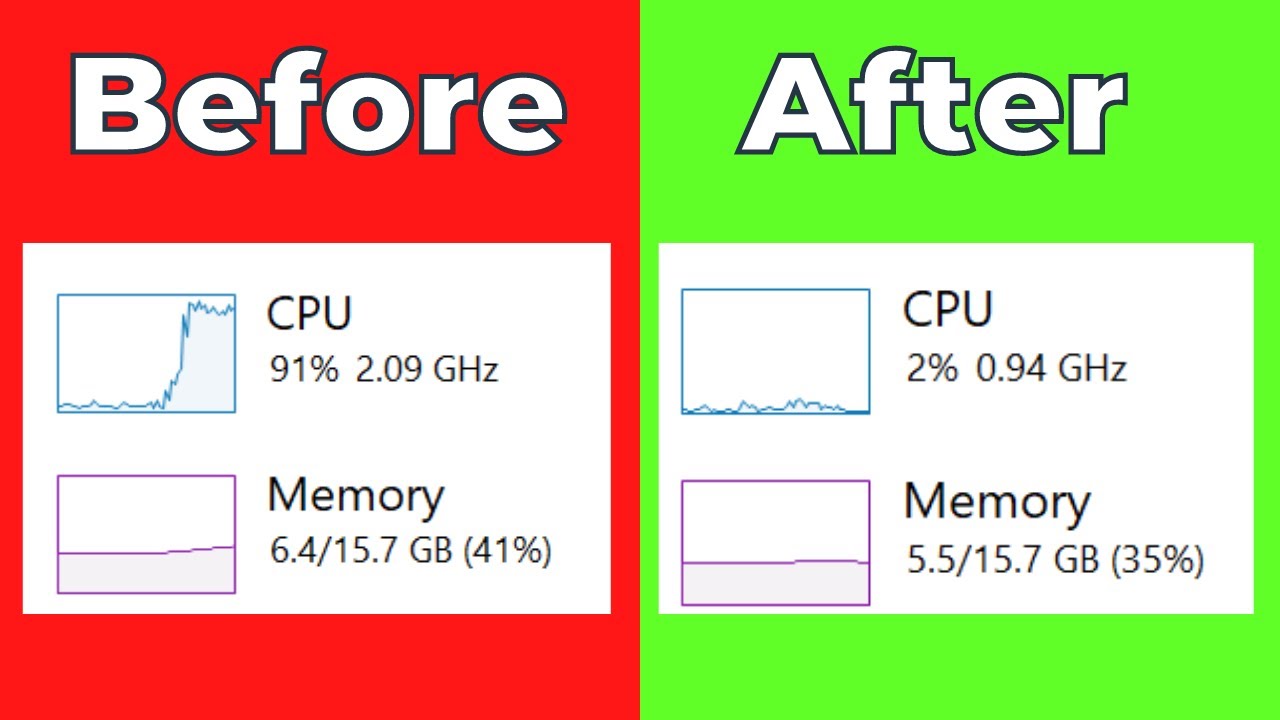
Seeing “System Interrupts” maxing out your CPU in Task Manager is incredibly frustrating because it is not actually a program, but a placeholder for hardware communication issues. In my ten years on the IT helpdesk, I see this specific problem spike whenever a failing driver or dying USB port starts spamming the processor with error …
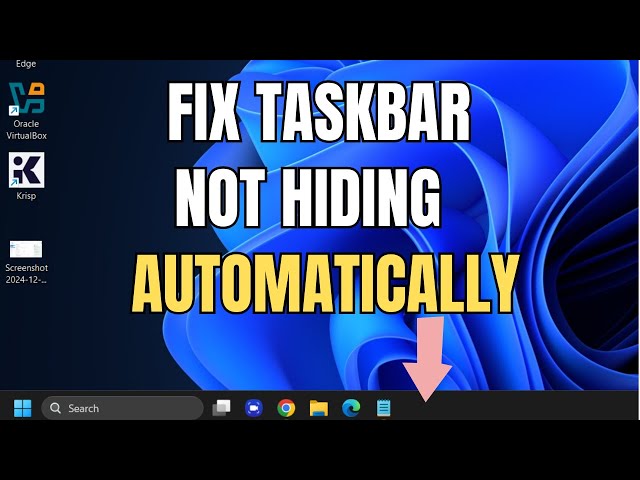
Having the taskbar stubbornly stay visible on your secondary monitors when you have auto-hide turned on ruins your screen real estate and is incredibly distracting. In my ten years of setting up multi-monitor workstations, this specific glitch usually happens because a background app is silently demanding attention or the Windows Explorer process has hung …
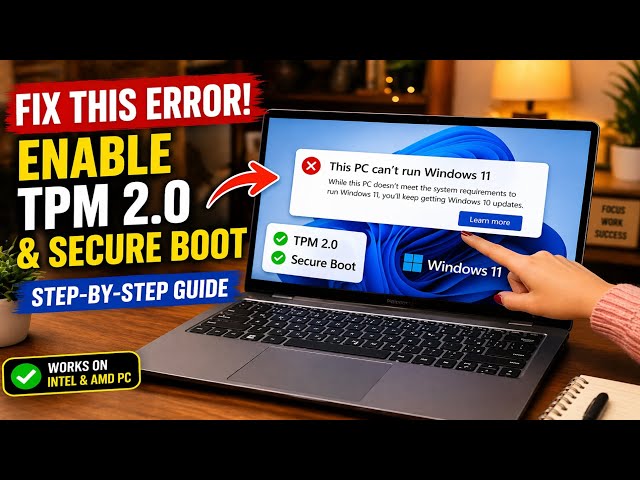
This PC Can’t Run Windows 11″ is the most common roadblock during installation, almost always caused by your motherboard having its Trusted Platform Module (TPM 2.0) disabled by default. In my decade of building and upgrading PCs, I see this daily—your computer is likely fully compatible, it just needs a quick BIOS tweak. Follow the …
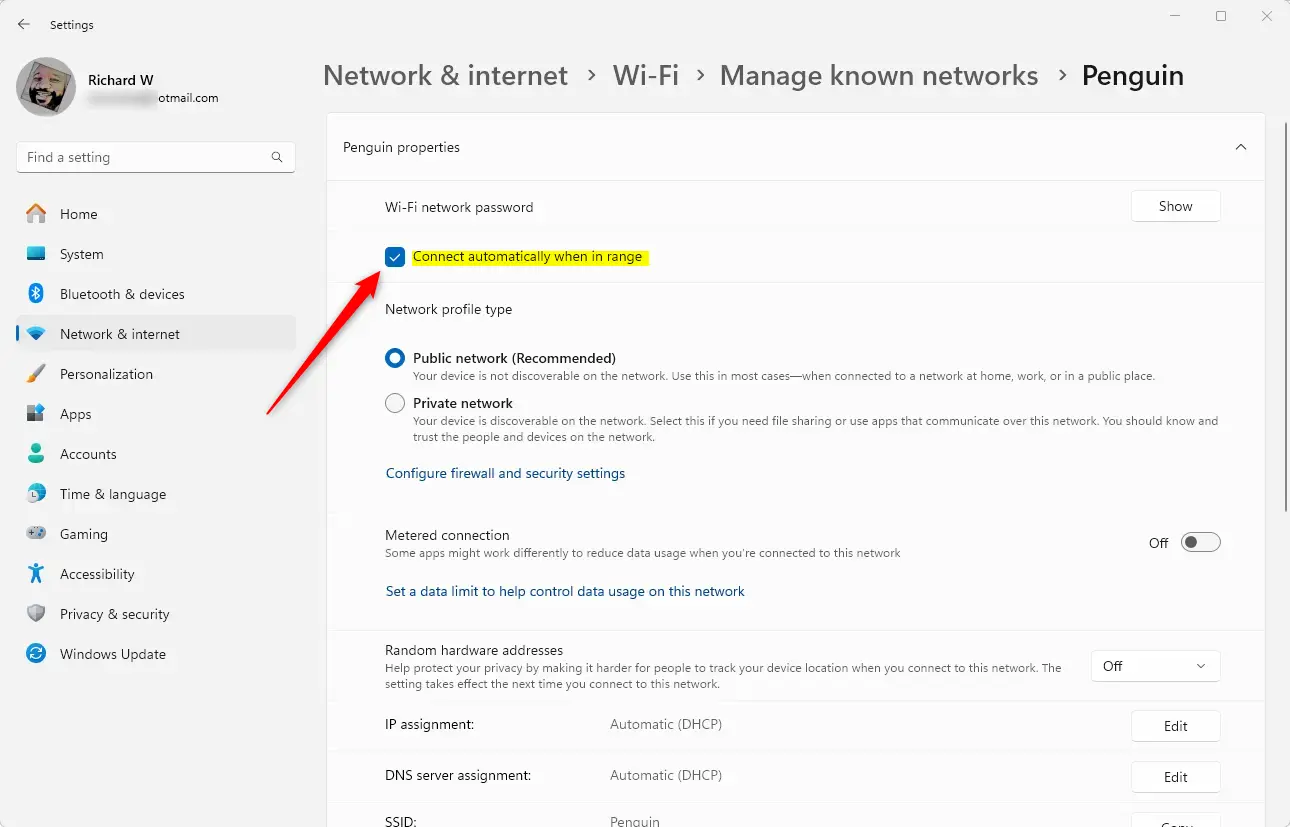
Windows 11 holding onto a barely functional Wi-Fi signal when a perfect connection is right next to you is maddening. In my ten years dealing with office networking, I see this constantly because Windows prioritizes connection history over actual signal strength. Follow the steps below, and we will force your PC to drop the weak …
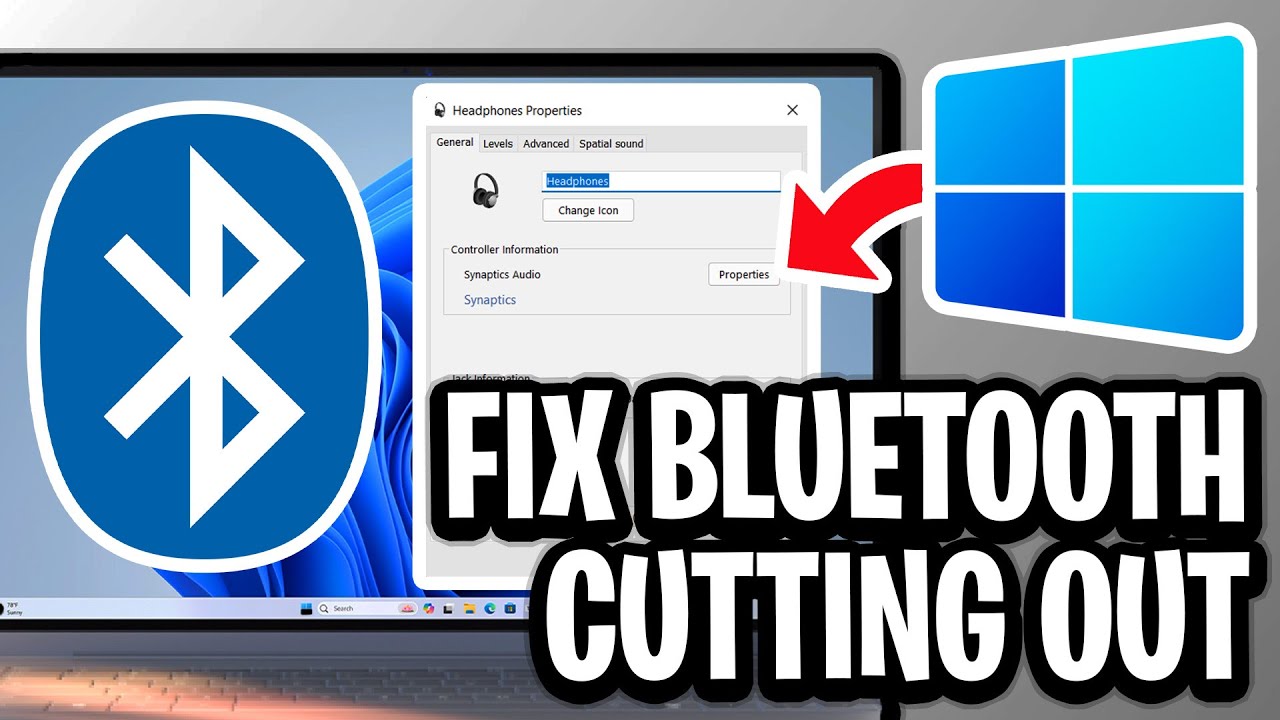
Windows 11 Bluetooth audio stuttering usually happens when your PC’s wireless radio gets overwhelmed by conflicting signals or power-saving features choking the connection. In my ten years on the IT helpdesk, I see this daily—it ruins your music and calls, but it is entirely fixable without buying a new headset. Follow the steps below, and …
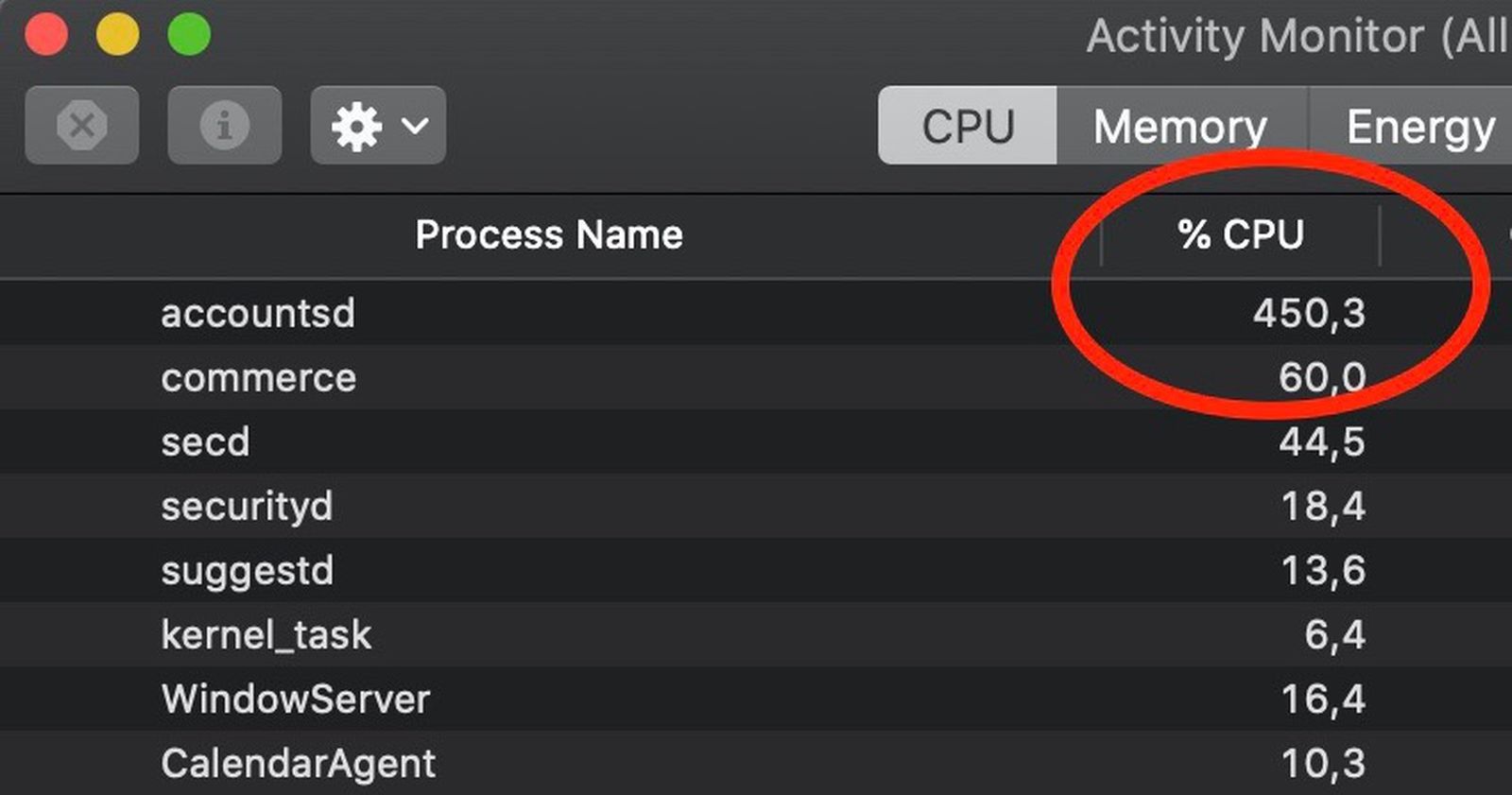
“Accountsd” is the macOS background service responsible for managing your Apple ID and syncing external accounts, but a broken sync loop can force it to consume 100% of your CPU and kill your battery in a matter of hours. In my ten years dealing with Mac support, I see this process hang constantly right after …
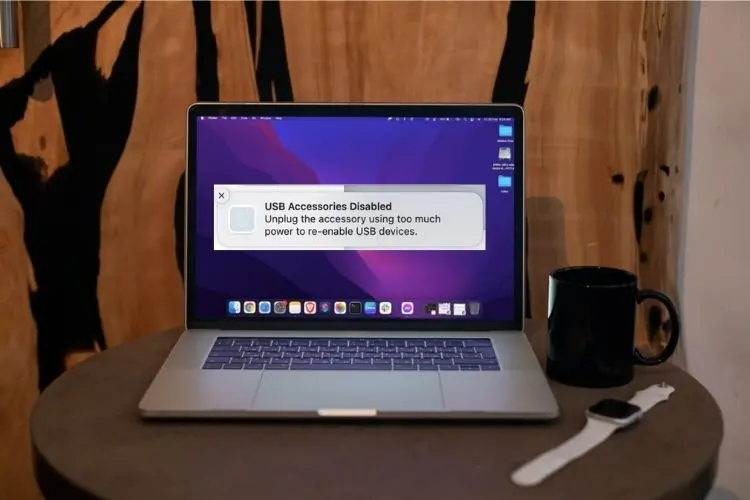
The “USB Accessories Disabled” warning is designed to prevent logic board damage, but seeing it pop up when your MacBook is bone-dry is incredibly frustrating. In my ten years supporting Mac environments, I see this false alarm triggered weekly by hidden lint micro-shorts or confused power management chips, not liquid. Follow the steps below, and …